

Introduction
On-page SEO optimization is crucial in improving your website’s search engine rankings and user experience. By following best practices, you can ensure your content is easily accessible, engaging, and search-friendly. This guide will walk you through a step-by-step process to optimize your web pages effectively.
What is On-Page SEO Optimization?
On-page SEO optimization refers to the process of optimizing individual web pages to rank higher and earn more relevant traffic. Unlike off-page SEO, which focuses on backlinks and external signals, on-page SEO involves elements you can control directly on your site.
Why is On-Page SEO Important?

- Improves search engine rankings
- Enhances user experience and engagement
- Increases website traffic and conversions
- It helps search engines understand your content better
Step 1: Optimize Title Tags and Meta Descriptions
Title tags and meta descriptions are vital in attracting clicks from search engine results pages (SERPs).
Best Practices:
- Keep title tags under 55-60 characters
- Include primary keywords naturally
- Write compelling meta descriptions (up to 150 characters)
- Avoid keyword stuffing
Step 2: Use SEO-Friendly URLs
A clean, structured URL helps users and search engines understand the page content.
URL Optimization Tips:
- Keep URLs short and descriptive
- Use hyphens (-) instead of underscores (_)
- Avoid special characters and numbers
- Include the primary keyword
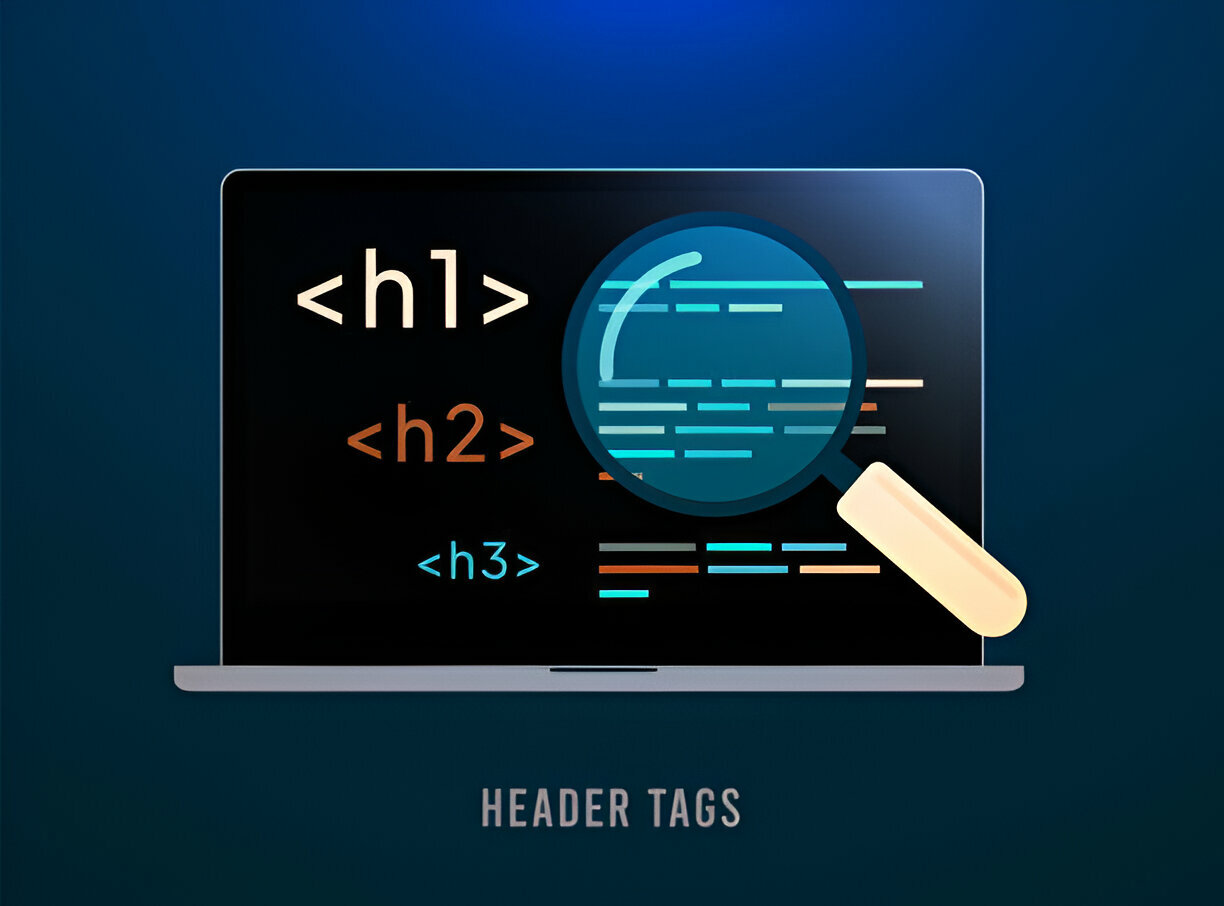
Step 3: Optimize Header Tags (H1, H2, H3)
Proper use of header tags improves readability and keyword relevance.
Header Tag Guidelines:
- Use one H1 tag per page
- Incorporate primary and secondary keywords in H2 and H3 tags
- Keep headings clear and descriptive
- Structure content logically
Step 4: Improve Content Quality and Readability
Content is the heart of on-page SEO. High-quality, engaging content keeps visitors on your site longer.
Content Writing Tips:
- Write unique, informative, and engaging content
- Use bullet points and short paragraphs for readability
- Incorporate primary and secondary keywords naturally
- Aim for 1000-1500 words per article
Step 5: Optimize Images with Alt Text
Search engines cannot “see” images, but they can read alt text, which helps with accessibility and SEO.
Image Optimization Best Practices:
- Use descriptive alt text with keywords
- Compress images to improve load speed
- Use the correct image format (JPEG, PNG, or WebP)
Step 6: Internal Linking Strategy
Internal links help distribute link equity and enhance navigation.
Internal Linking Tips:
- Link to relevant, high-authority pages within your site
- Use descriptive anchor text
- Avoid excessive linking
Step 7: Mobile Optimization
Google prioritizes mobile-first indexing, making mobile optimization essential.
Mobile SEO Best Practices:
- Use a responsive design
- Optimize page load speed
- Ensure clickable elements are accessible on small screens
Step 8: Improve Page Speed
A slow website can hurt rankings and user experience.
How to Boost Page Speed:
- Optimize images and enable compression
- Minimize CSS and JavaScript files
- Use a fast web hosting provider
- Leverage browser caching
Step 9: Implement Schema Markup
Schema markup helps search engines understand your content better, leading to rich snippets in SERPs.
Common Schema Types:
- Article
- Product
- FAQ
- Review

Summary Table
| On-Page SEO Element | Best Practices |
| Title Tags | Keep under 60 characters, include keywords |
| Meta Descriptions | Up to 150 characters, compelling & keyword-rich |
| URLs | Short, descriptive, hyphenated, keyword-rich |
| Header Tags | Use structured H1-H3, include keywords |
| Content | Informative, engaging, keyword-optimized |
| Images | Use alt text, compress images |
| Internal Links | Link to relevant pages with descriptive anchor text |
| Mobile Optimization | Responsive design, fast loading |
| Page Speed | Compress images, minimize CSS/JS |
| Schema Markup | Use appropriate structured data |
Conclusion
On-page SEO optimization is a foundational strategy for improving website rankings and user experience. These best practices can enhance your site’s visibility and drive more traffic. Start implementing these tips today and track your progress with analytics tools.
FAQs
1. What is the difference between on-page and off-page SEO?
On-page SEO focuses on elements within your website, such as content and HTML structure, while off-page SEO involves external factors like backlinks.
2. How often should I update my on-page SEO?
Regularly review and update your SEO strategy every 3-6 months to stay ahead of algorithm changes.
3. Can I optimize my website for on-page SEO without technical skills?
Yes! Many on-page SEO elements, like content optimization and internal linking, don’t require coding knowledge.
4. Does image optimization impact SEO rankings?
Adequately optimized images improve page load speed and accessibility, influencing rankings.
5. How long does it take to see results from on-page SEO optimization?
Results vary, but most websites see noticeable improvements within 3-6 months after implementing best practices.


